Kyra and some friends had a “photo shoot” a few weeks ago with one of their leaders at church. This is Kyra’s photo.

I’m not sure how I ended up with a girl who’s so beautiful…
Sometimes funny, sometimes thoughtful, always a good time
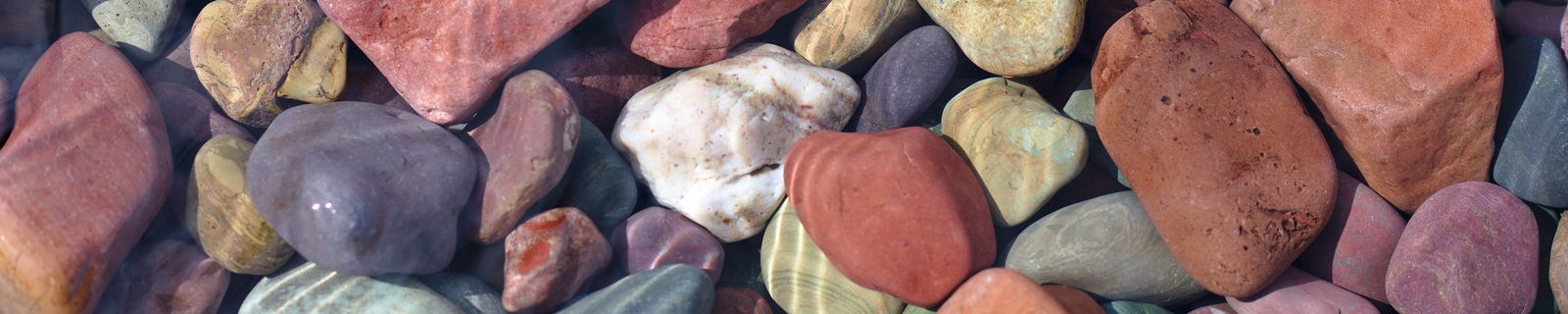
Kyra and some friends had a “photo shoot” a few weeks ago with one of their leaders at church. This is Kyra’s photo.
I’m not sure how I ended up with a girl who’s so beautiful…
Funny because it’s true:
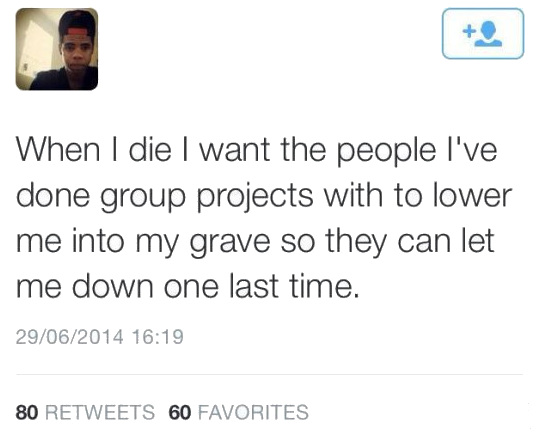
Whether or not this is real (who can tell on the internet?), it’s pretty darn funny.
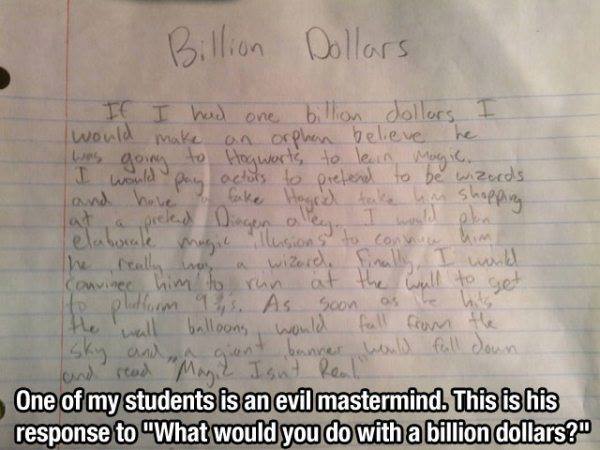
Alex wasn’t feeling too well today, so he called Papa John’s and told them he wasn’t going to make it in for his eight-hour shift. He then spent most of the day on the couch, alternately poking listlessly at his computer, reading comics, and napping. Finally Laralee suggested that he might enjoy watching Lost. Without anything better to do, he agreed and she dug up the old DVD’s from the first season.
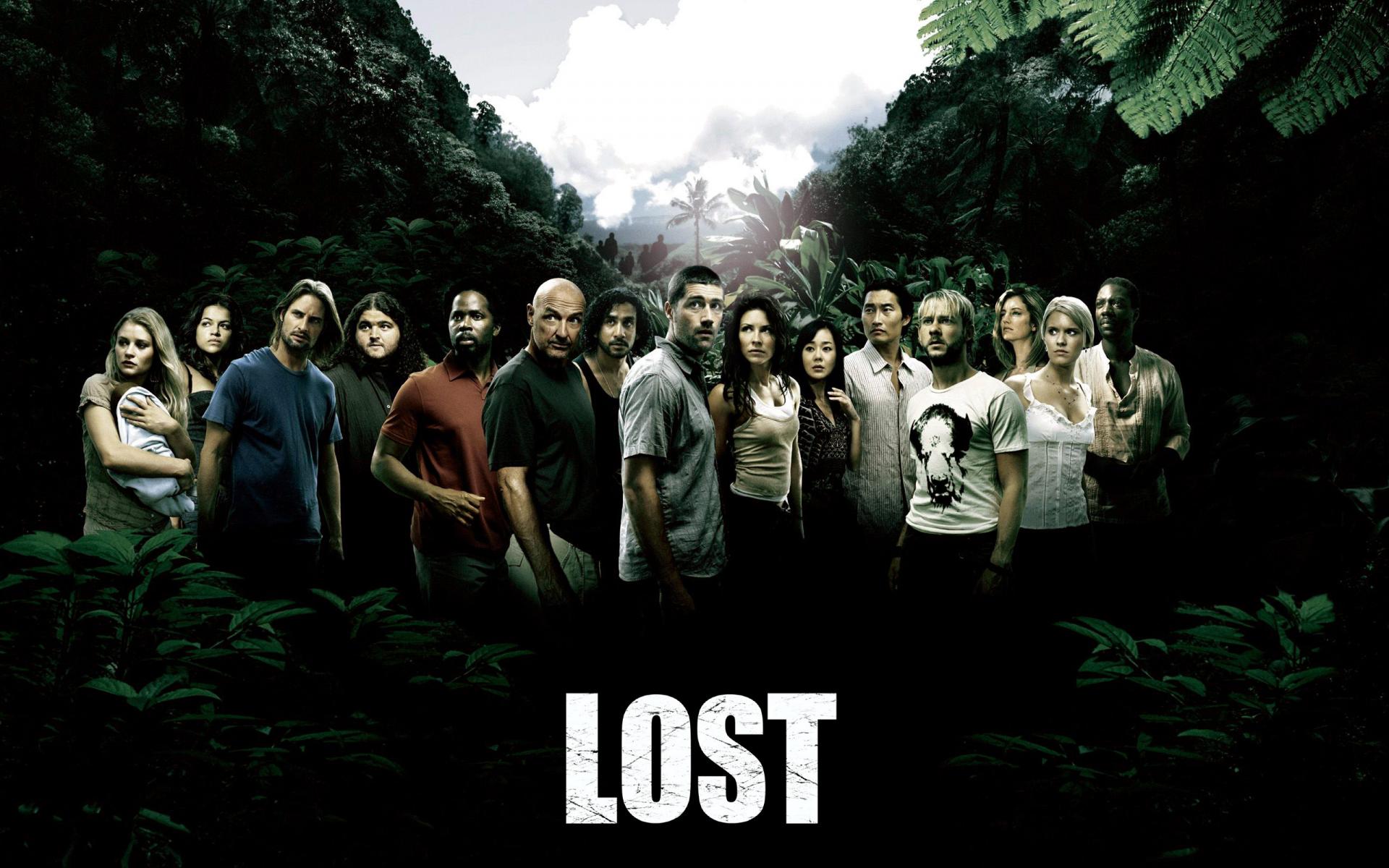
I walked in when Jack and Kate were talking to the pilot of the downed plane, and suddenly there’s a roar and a lot of shaking and a scary monstrous thing that no one can quite see. Of course the pilot peeks out the window, gets grabbed and yanked out of the plane, and then you just hear a scream.
I turned to Alex. “You’re probably thinking that in the next episode, or maybe later in the season, you’ll find out what that was. But you’d be wrong. You can watch this series for six years and never know what the heck just happened.” I also spoiled another thing for him by telling him that in a few episodes you’d see a polar bear on this tropical island. Yeah, a polar bear! Weird, huh? But you’ll never find out why there was a polar bear on the island. Add to that dozens of other fascinating plot twists that make the show interesting but, ultimately, are never resolved.
Man, that brought back memories. I really enjoyed Lost for about four seasons, until I realized that all of the stuff J.J. Abrams introduced in the show would never actually be explained or resolved. Whee! It’ll be interesting to see whether Alex gets interested in the show now…
Laralee thought our grass was getting a little long today, so she asked Zack to plan to mow the lawn. He’s at a friend’s house but promised to mow later this afternoon.
Well, the storm clouds rolled in and it started sprinkling a little, so Laralee decided that it needed to get done in short order since it’s trickier to mow wet grass. She went out and started working on the backyard.
Just then I came home from an appointment and saw Alex sitting in the family room– right beside a window where he could see her mowing– poking on his computer. The ensuing conversation went something like this:
Me: Hey Alex, what are you working on?
Alex: Nothin’. Just playing some games.
Me: I notice mom’s out in the yard mowing.
Alex: Yep.
Me: While you’re playing games.
Alex: Well, Zack’s going to mow it.
Me: Zack’s not here.
Alex: He can mow it later.
Me: Or you could mow it now.
Alex: Mom didn’t ask me.
Me: It would be okay if you went out and offered to do it.
Alex: heavy sigh. Okay.
So he went out and took over. In what can only be described as some kind of poetic justice, it then started to pour.

He was running back and forth– not that it mattered, since he was already completely soaked. I think the lawn was mowed in record time today.
Today’s winning spam message:

Clever copy: “Unroll Savings”… awesome! And hey, puppies!
Last night we had a Zing outing to the Rockies game. We started out with dinner at the Viewhouse, which is across the street from Coors Field and has a really cool rooftop area. The weather was beautiful, so it was fun to enjoy a summer evening eating and then head over to the game.
The Rockies pretty much suck this year, and I didn’t even know anyone on the roster (I guess several of the more well-known players are injured now). We got off to a rough start and fell behind 2-1 in the first few innings, but then in the sixth one of their new players, Matt McBride, stepped up to the plate. He’d been called up from the minors the day before and it was his fourth Major League at-bat. With a mighty swing, he sent a grand slam home run into the left field bleachers. Wow, that’s gotta make you feel pretty good.
A bit of rain gave us a beautiful double rainbow:
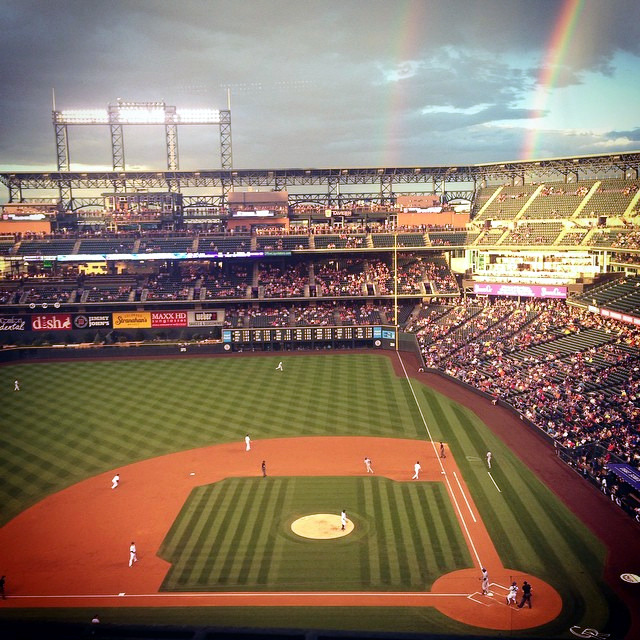
Double rainbow!
Here are a few of us watching the game intently while munching on some peanuts– and I guess Mike was checking whether it was past his bedtime. According to Therese, it’s not officially summer until you’ve been to a baseball game, and it’s not a baseball game unless you’ve bought peanuts from a vendor standing on the street corner outside the park.
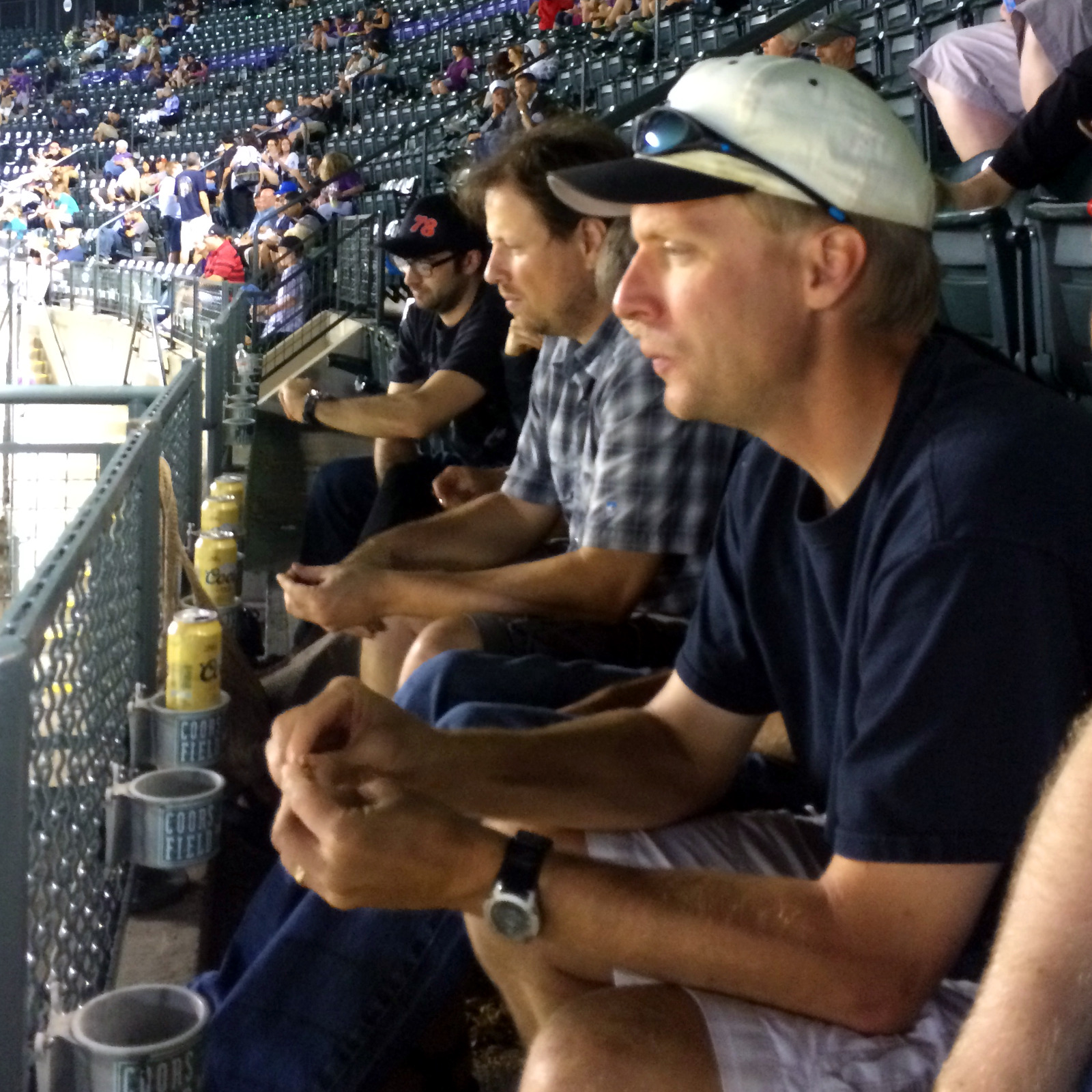
Another great Zing activity. Thanks, guys.
Wow, here’s today’s front page from the St. Louis Post-Dispatch, reporting on the civil unrest in Ferguson:

Crazy. These are policemen facing a crowd at a Quiktrip convenience store, but it looks like a massive military operation. Does anyone still doubt police forces these days are over-zealous and over-equipped with military hardware?
So today Alex and Kyra both went out on their first dates. They had a good time watching a movie, bowling, eating pizza, and getting slushies at Sonic.
Nineteen years ago today, Laralee and I went out on our first date.
To Arby’s.
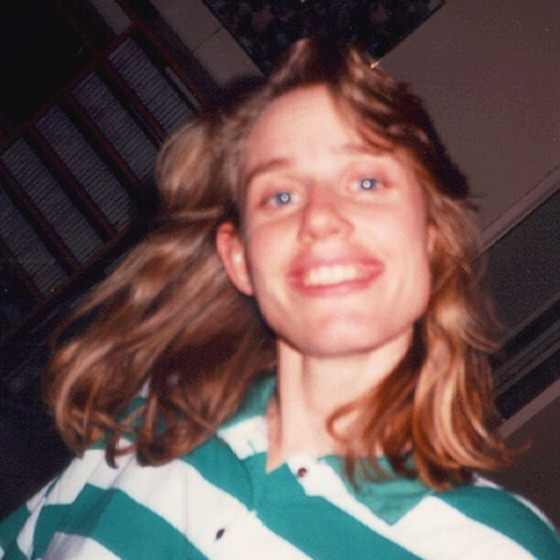
She’s just as awesome as she was nineteen years ago. Maybe even more awesome.
Today was the much-anticipated Grass Roots Ultimate summer league tournament. All summer we’ve been playing double-headers every week, leading up to the tourney, so this was a big deal. Just like all major sports, the regular season is all about positioning for the final games.
Well, we finished in third place during the regular season, which is actually the most desirable spot in a fourteen-team pool. The top two seeds, both 15-3-1, skipped the first round. We were 15-4-0, so we were definitely contenders. We had a first-round game against the lowest-ranked team. It was actually kind of sad; we beat them handily 13-1 and the only reason they scored the one is because we were playing a lazy defense against them. That was pretty much how their entire season had gone, which can be pretty frustrating as a team.
Second round was definitely a tougher game, but we ran up the scoreboard early in the first half and expanded our lead in the second half to finish at time with a 12-6 win.
The third round was against the second-place team, who had barely beat us 8-7 during the regular season. They made a few questionable calls and tempers flared a bit on both sides. One thing I really enjoy about the Boulder ultimate league is the spirit of the game and how most of the players are there to have fun, not to win at all costs. So we generally just redid a questionable play, and did our best to shake it off. We took a commanding lead in the second half and finished 11-7.
Then came the finals. The top-seeded team had been bumped out in the semifinals, so we were playing a strong team coming off an upset victory. They were pumped. In a really cool move, the opposing captain suggested we start the game with a joint cheer, so we all whooped and hollered and hit the field. Both of our teams had played (and won) three hour-plus games, so we were starting to get tired. It didn’t help that it was almost 90 degrees and the sun was beating down.
We traded points, with a few of the points turning into grueling back-and-forth contests as the wind picked up a bit. At half we were in good position, leading 7-3. They came out strong and picked up a few points, but their captain (one of their best players) twisted his knee badly and had to sit. They were also missing another strong player. We, on the other hand, had almost our entire team (a couple players were out of town) and played good, solid ultimate all day.
The final game is always extra fun because many of the other teams stay to watch, so the sidelines are packed with people shouting and heckling. A bunch of the women were chanting “take off your shirt!” to one of the well-built guys on the other team. There were also a lot of calls for hammer throws– always a crowd pleaser. I threw a long hammer on the last point, hoping for the score, but it ended up just outside the endzone and the receiver then made a light toss to one of our cutters and we won the game 13-7.
In ten years as a captain, I’ve never won the tournament. This was a huge day, and a ton of fun. I really enjoyed this season, and the strong players we had. We also had a really good time together, finishing with one of the top spirit scores in the league as well as the most points scored in all. Interestingly enough, on average we were also the oldest team and the tallest team. Tall and experienced: a great combination.
Here are a few pictures from today’s games.
First, the team photo before we started. Everyone is fresh, happy, and not at all sweaty:
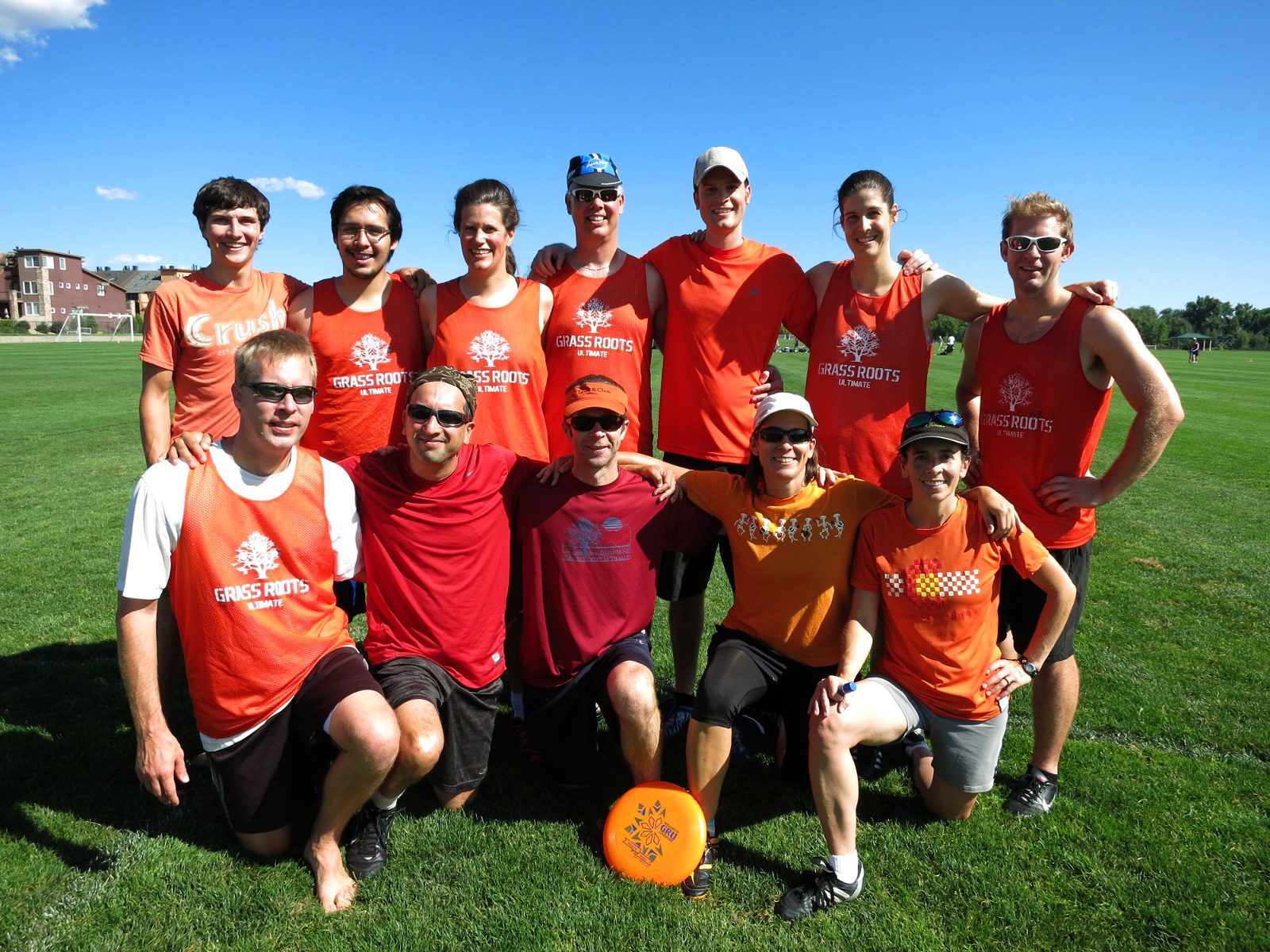
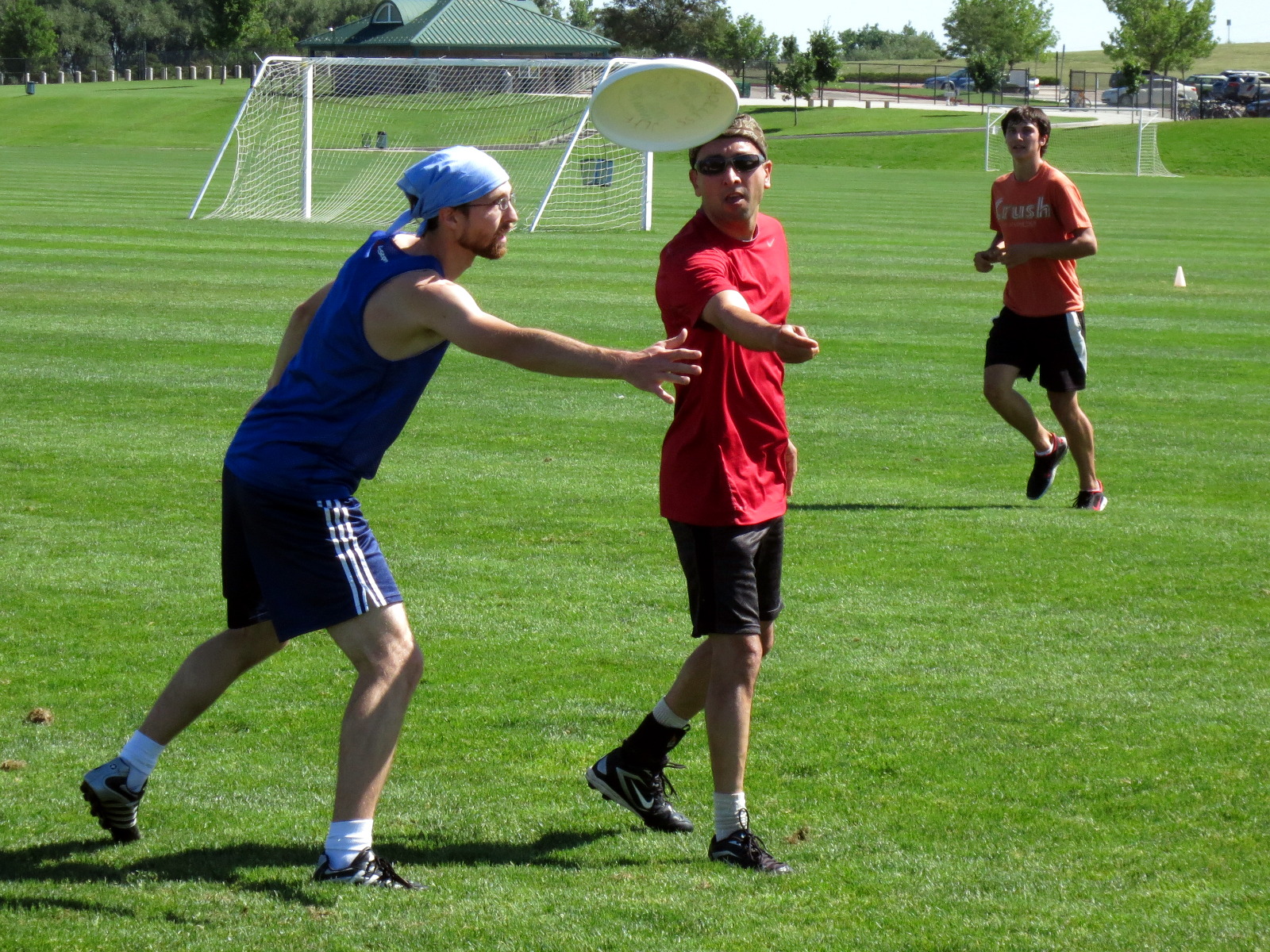
Raj tosses a nice backhand past his defender:
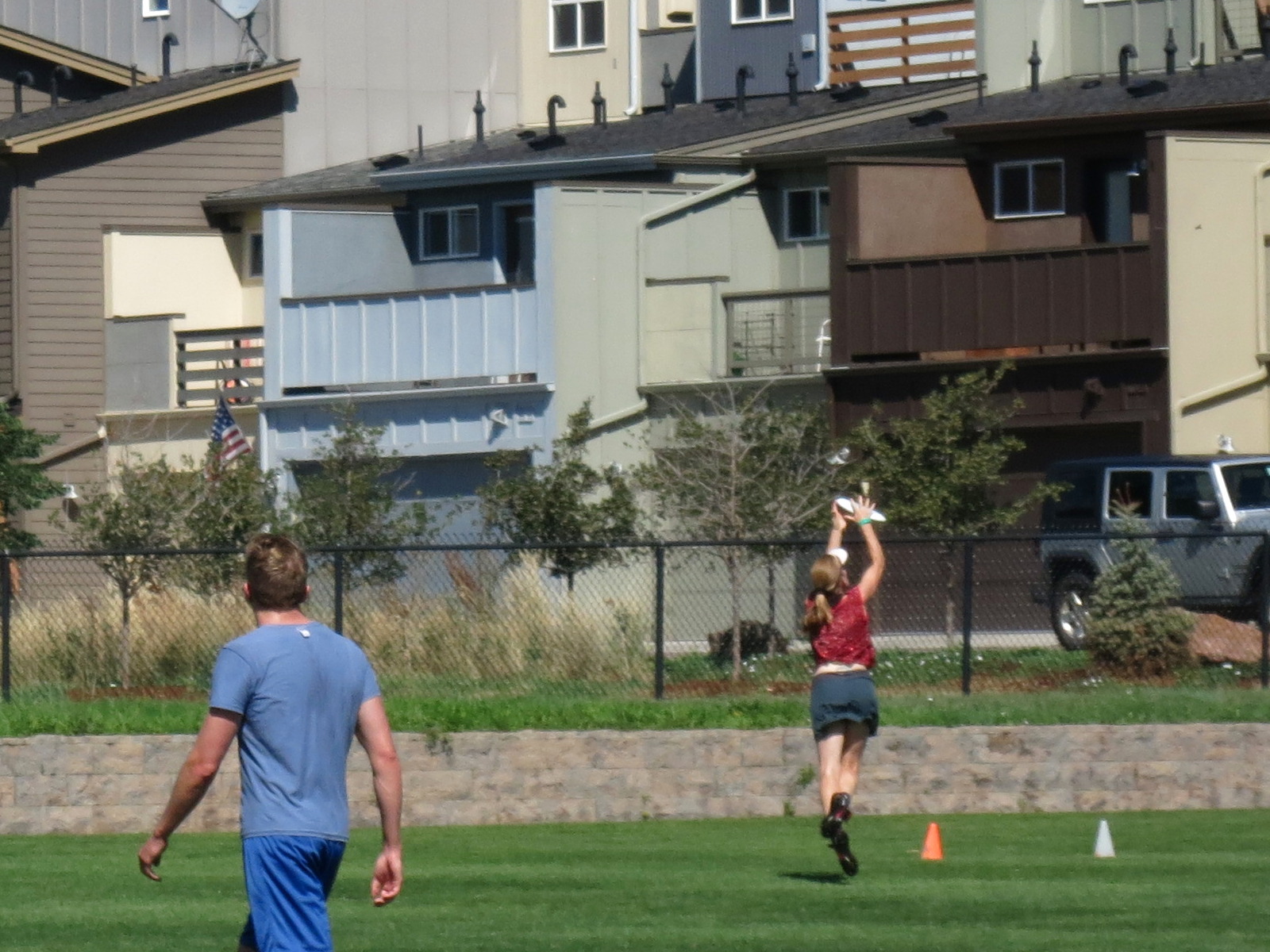
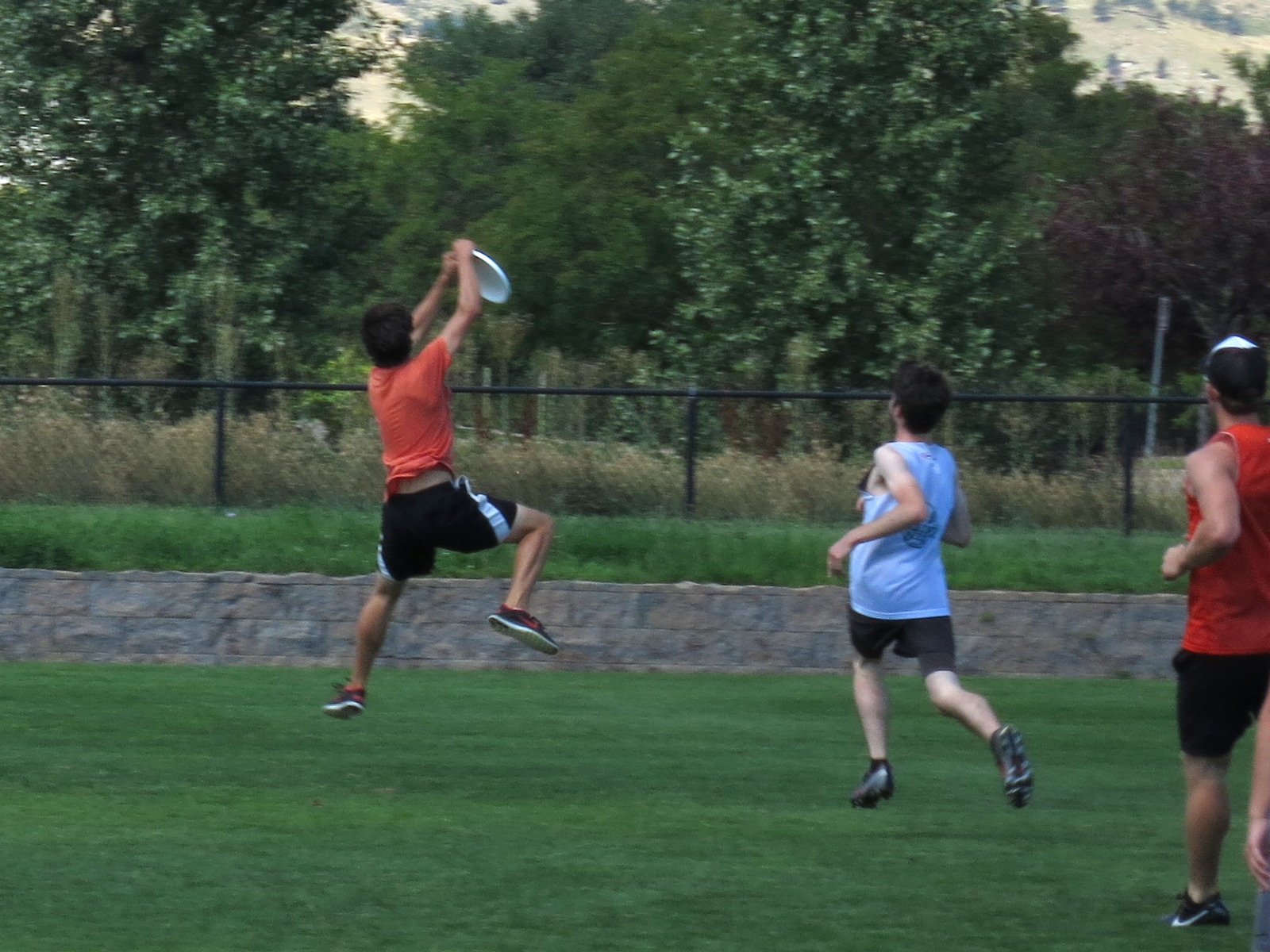
Here’s an amazing catch by Tessa, who left her feet and landed right at the back corner of the endzone:
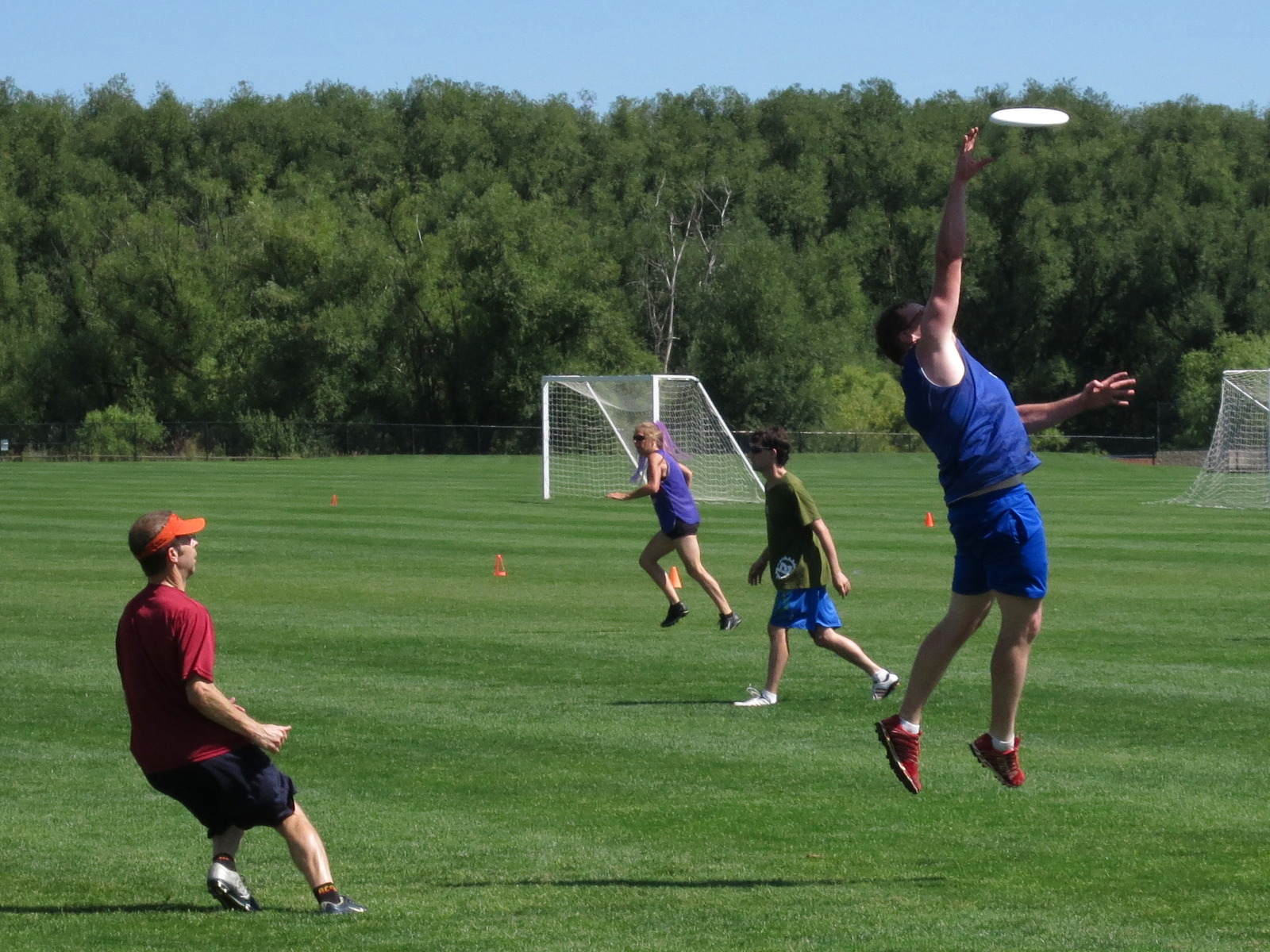
This guy isn’t on our team, but it was an awesome catch.
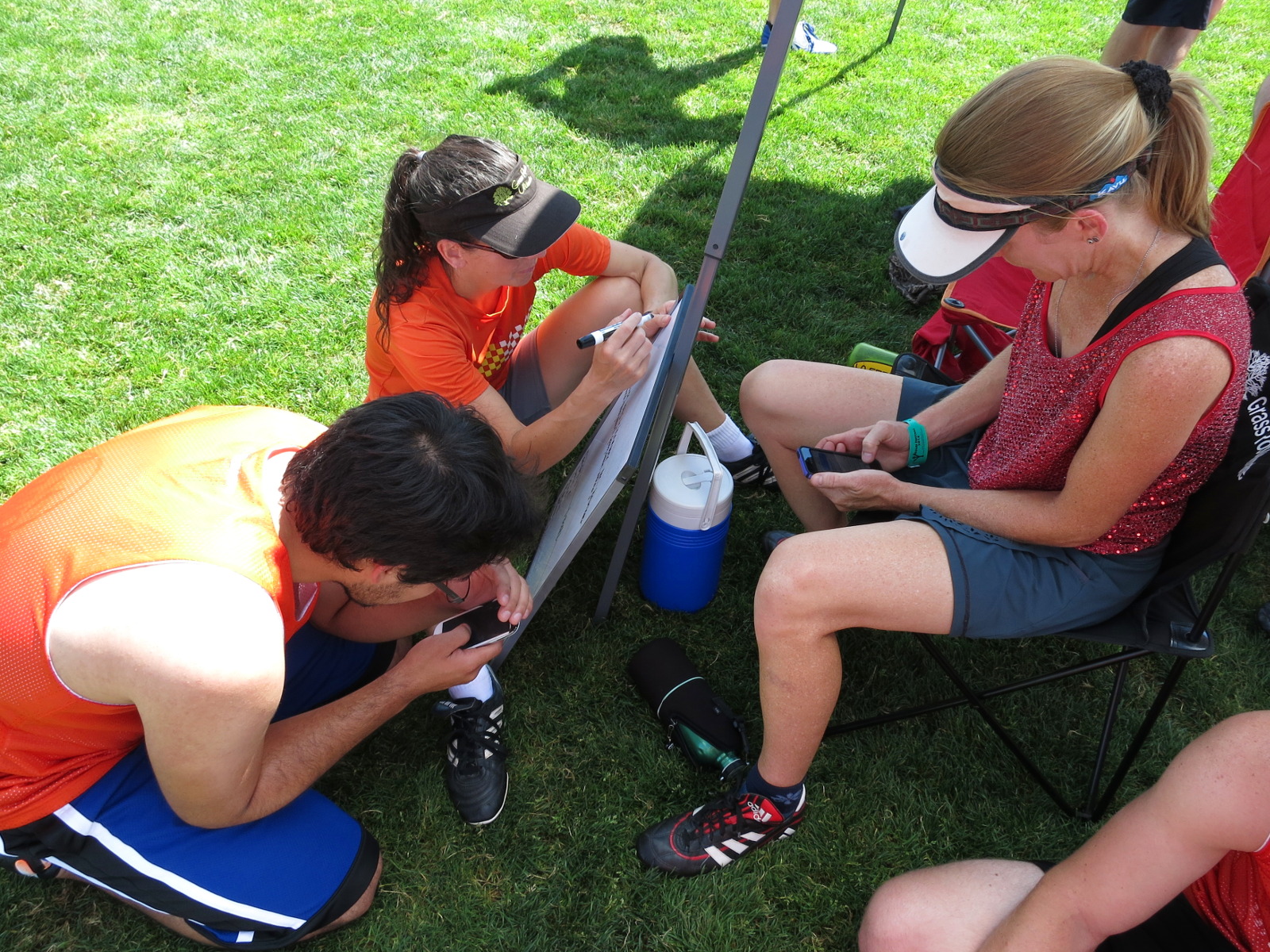
Writing a cheer for the opposing team is a very important part of the league. Here Brenda (the cheer master) writes while Peter and Tessa look up the words to Michael Jackson’s “Thriller”. Yes, it was an amazing cheer to that tune.
Cameron does some kind of monkey leap to catch a point in the endzone:
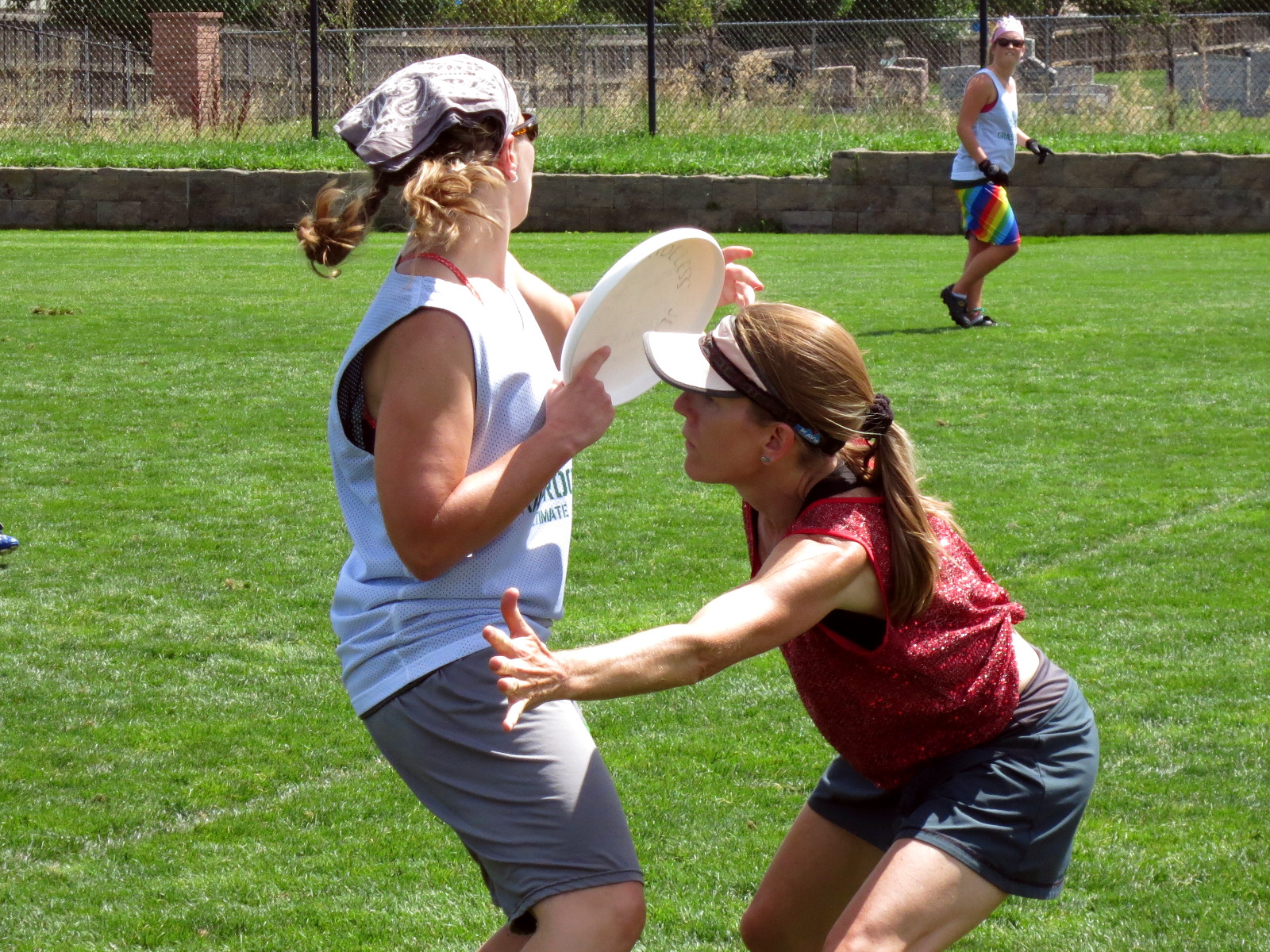
Here’s Tessa with a tough mark on Barb:
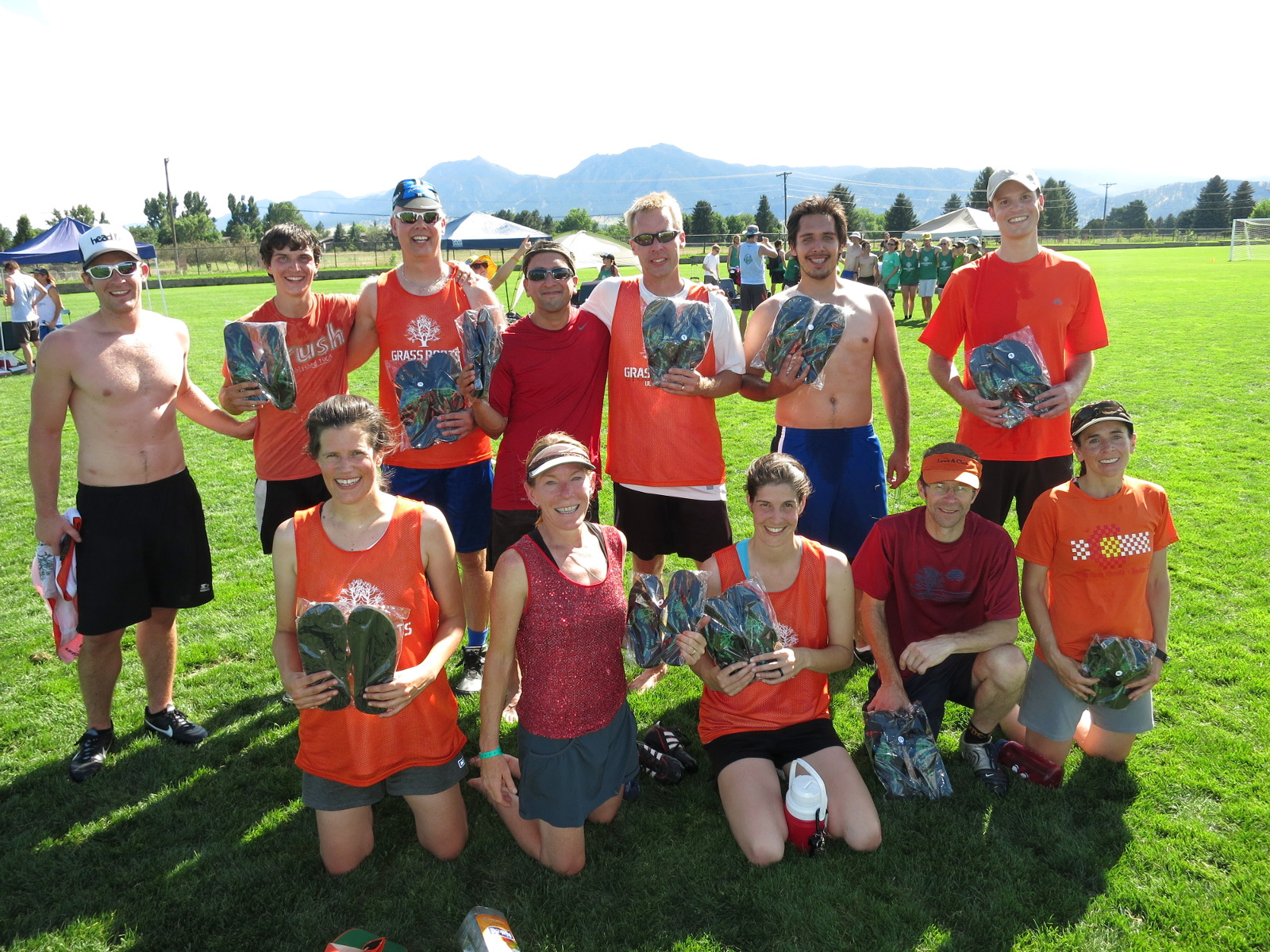
And here we are after our victory, holding our awards. Yep, that’s right: we won flip-flops with the GRU logo on them. I’ve won the championship three times in fifteen years, and this is the second time I won footwear. Don’t they realize I’m Shoeless Jeff?
It was a great time and a great season. I’m looking forward to the fall season, which will be in Longmont under the lights. And I’m running the league. We’ll see how that goes…